

You spend hours staring at your DAW. Here's why dark mode, screen settings, and studio lighting affect both your health and your creative output.
TL;DR
Dark mode reduces eye strain during long sessions. All major DAWs now offer dark themes. Combine with proper studio lighting (bias lighting behind monitors), f.lux or Night Shift for blue light reduction, and regular breaks using the 20-20-20 rule.
The Ergonomic Reality of Music Production
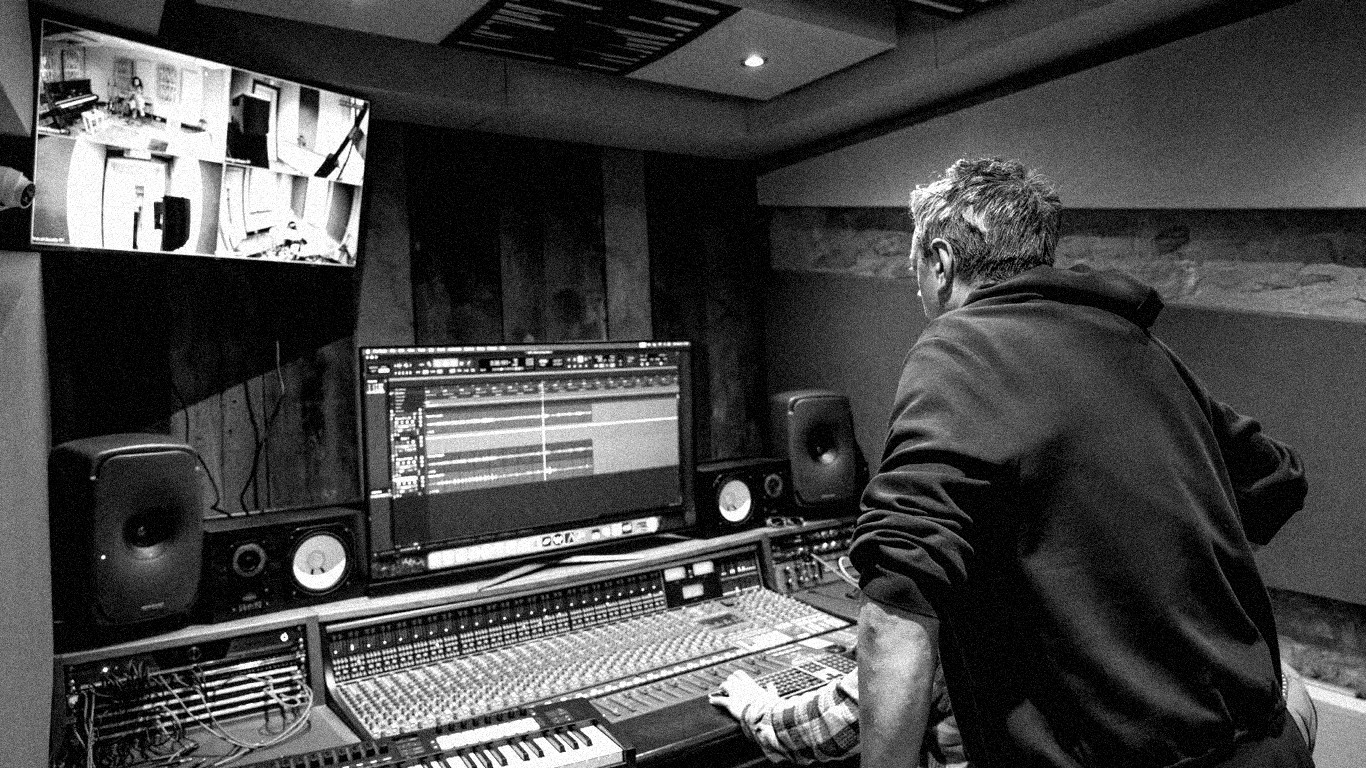
Modern music production involves staring at screens for extended periods. A mixing session can last 4-8 hours. A production session might span an entire day. Over a career, that's thousands of hours of screen time in often poorly lit environments.
Eye strain, headaches, and disrupted sleep patterns are common complaints among producers, and the root cause is often the visual environment rather than the audio one. A bright white DAW interface in a dark room creates maximum contrast, forcing your pupils to constantly adjust and fatiguing the muscles that control focus.
The irony is that music producers invest heavily in acoustic treatment, monitoring, and audio equipment while largely ignoring the visual environment that they interact with for just as many hours.
Dark Mode and Display Settings
Every major DAW now offers dark mode or dark theme options. Ableton Live, Logic Pro, FL Studio, and Pro Tools all have darker interface options that reduce screen brightness and the overall light emission from your display.
Beyond DAW themes, your operating system's dark mode (available on macOS and Windows) reduces the brightness of your entire desktop environment. Combine this with reduced monitor brightness (most people run their monitors far brighter than necessary for indoor work) and you'll notice reduced eye fatigue within a single session.
Blue light filtering — through software like f.lux (free) or your OS's built-in Night Shift/Night Light mode — reduces the blue light wavelengths that most aggressively affect circadian rhythm. Enabling this for evening sessions helps protect your sleep quality.
Studio Lighting That Helps
The lighting in your studio affects your visual comfort more than your screen settings. Working in complete darkness with a bright screen is the worst-case scenario — the contrast forces constant pupil adjustment and creates severe strain.
Bias lighting — a soft, neutral-coloured light positioned behind your monitor — reduces the contrast between screen and environment. LED light strips (available for under £20) attached to the back of your monitor provide exactly this function.
Avoid overhead fluorescent lighting, which can cause flickering and harsh shadows. Indirect, warm-toned lighting from desk lamps or wall-mounted fixtures creates a comfortable environment for extended screen work.
The ideal studio lighting is bright enough to read comfortably but not so bright that it competes with your screen. Dimmable lights give you control over the balance as ambient light changes throughout the day.
Your visual health matters as much as your hearing health. Both affect your creative output and both are often neglected in favour of equipment discussions. Take care of the biological systems that make your music possible.


Comments
No comments yet. Be the first to share your thoughts.