
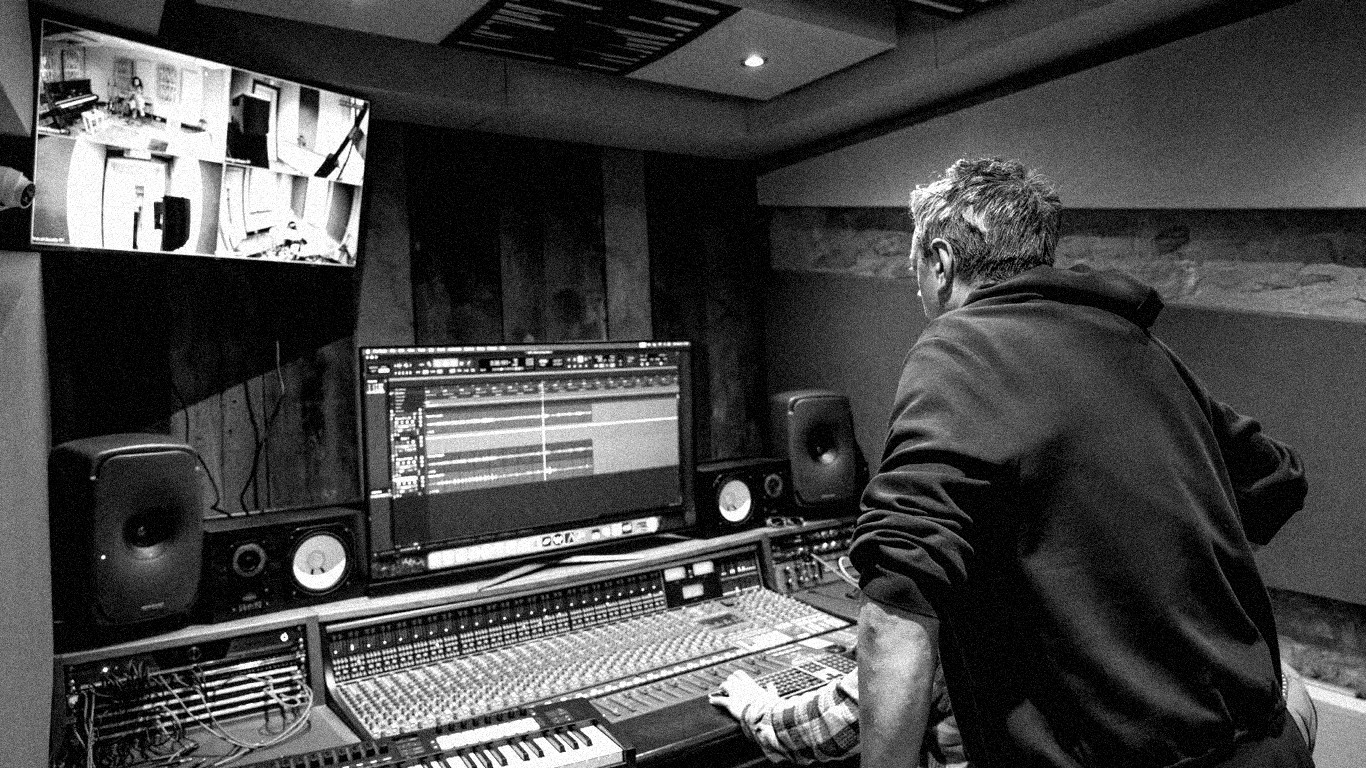


Getting Started with Your DAW
Learn the basics of digital audio workstations and set up your first project with confidence.
A digital audio workstation (DAW) is the central piece of software every modern music producer needs. Whether you choose Ableton Live, Logic Pro, FL Studio, or any other DAW, the core concepts are the same: tracks, clips, effects, and arrangement. The most important thing is to pick one and stick with it long enough to learn it properly. Avoid the trap of switching DAWs every few months because someone online said theirs is better.
Start by creating a blank project. Familiarise yourself with the transport controls: play, stop, record, and loop. Then learn how to create audio tracks and MIDI tracks. Audio tracks record sound from a microphone or line input. MIDI tracks trigger virtual instruments. Most beginners start with MIDI because you can write melodies and beats using a simple computer keyboard or a cheap MIDI controller, and you do not need any recording equipment to get started.
Next, explore the built-in instruments and effects that come with your DAW. Most DAWs ship with a solid collection of synthesisers, samplers, and drum machines. Spend a few sessions just playing with presets and tweaking parameters. This is not wasting time — it is building your ear and your instincts. The producers who make great music are the ones who understand their tools inside out.
Once you are comfortable navigating your DAW, try building a simple 8-bar loop. Lay down a drum pattern first, then add a bass line, then a melody or chord progression on top. Do not worry about making it perfect. The goal at this stage is to get comfortable with the workflow: creating, editing, duplicating, and arranging clips. Speed comes with repetition.